

A business phone has a different job to a consumer phone. It needs to survive the working day, separate company data from personal apps, route through a network that will actually pick up the phone when something breaks, and produce a VAT invoice in the business name at the end of the month. The headline camera score is almost irrelevant. This guide covers the handsets that make sense for UK businesses in 2026, the four major business networks, the security models you should be comparing, and how HMRC treats the cost.
What a business phone actually has to do
Most "best phone" lists rank cameras and benchmarks. For a business buyer, the real questions are different:
- How long will it be supported? A 24-month contract is wasted if the manufacturer stops shipping security patches before it ends. Apple typically supports iPhones for 6+ years, Samsung commits to 7 years of OS and security updates on flagship Galaxy S devices from 2024 onwards, and Google now matches that on the Pixel 8 Pro and later.
- How does it handle company and personal data on the same device? If staff are using a personal handset for work email - the BYOD case - you need either Apple's Managed Apple Account model or Samsung Knox Workspace. A consumer handset with no container story is a data-protection incident waiting to happen.
- What is the IT overhead per device? Apple Business Manager and Samsung Knox Mobile Enrollment both let you zero-touch enrol a phone the moment it is unboxed. A non-enterprise Android handset has to be set up by hand. Multiply that by 30 staff and the saving is significant.
- Will it survive the actual job? An accountant in an office and a surveyor on a building site need different hardware. The XCover7 Pro is not a worse phone than the Galaxy S26, it is a different phone.
The shortlist: 6 phones for UK business in 2026
The picks below cover the four realistic use cases: senior staff and execs, productivity-heavy power users, field workers, security-sensitive Android users, secure value flagship, and small-team flexibility.
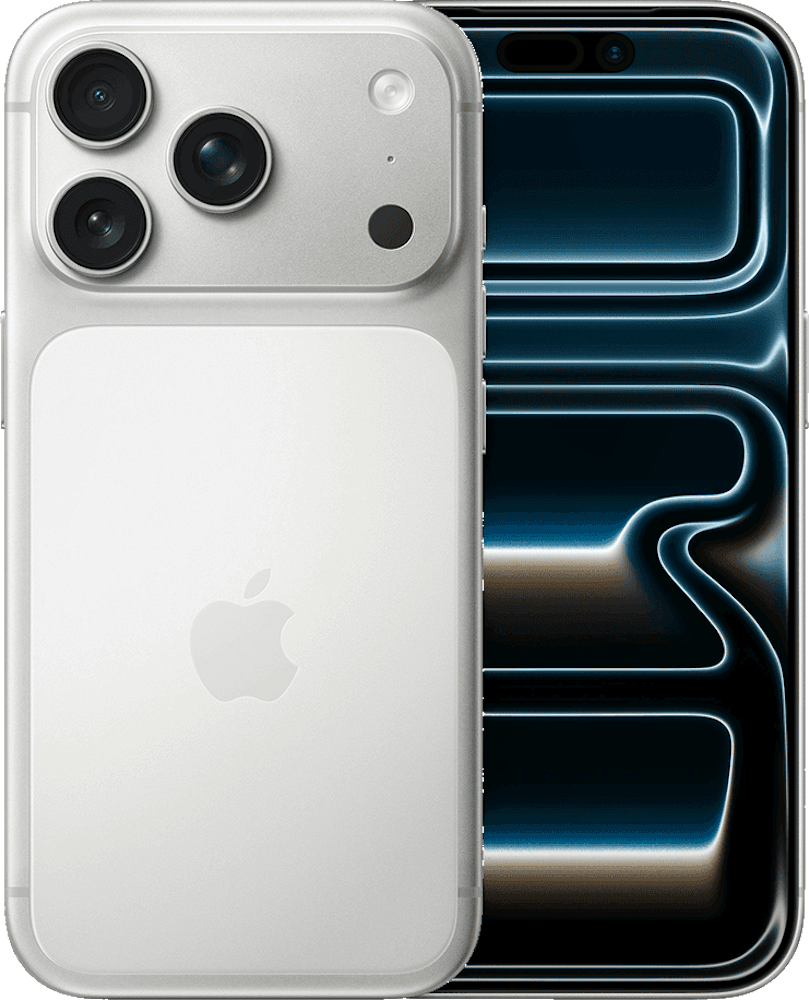
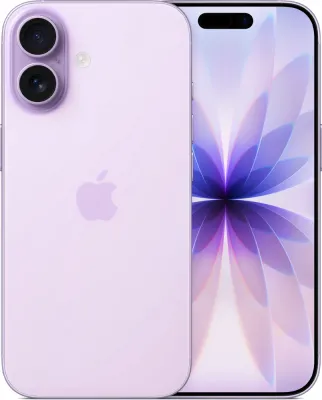
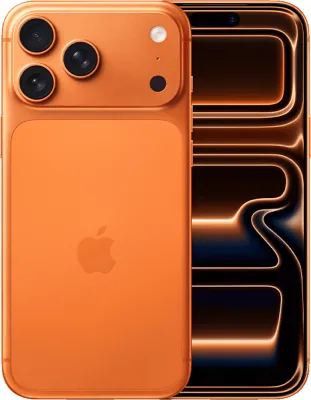
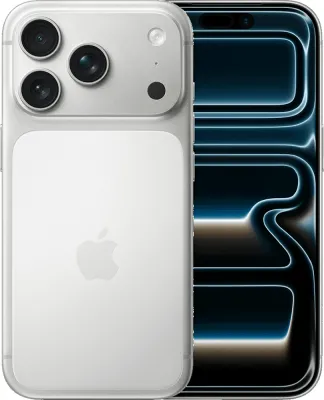
1. iPhone 17 Pro - the safe default for management and exec teams
The iPhone 17 Pro is the easiest phone to justify to a finance director. Apple Business Manager handles zero-touch deployment, Lockdown Mode is one toggle away for staff who travel to higher-risk regions, and the 6+ year support window means a 24-month contract uses well under half of the device's useful life. The A19 Pro silicon is overkill for email and Teams, but the ecosystem story matters: Continuity with a Mac, Handoff between iPhone and iPad, and Universal Clipboard mean an exec can step away from a meeting, finish a reply on the iPad, and pick up the call again on the phone without anyone noticing the switch. Drawback: it is the most expensive option per device, and Apple's MDM has historically been thinner than Samsung's on granular policy controls (closing fast under Declarative Device Management).
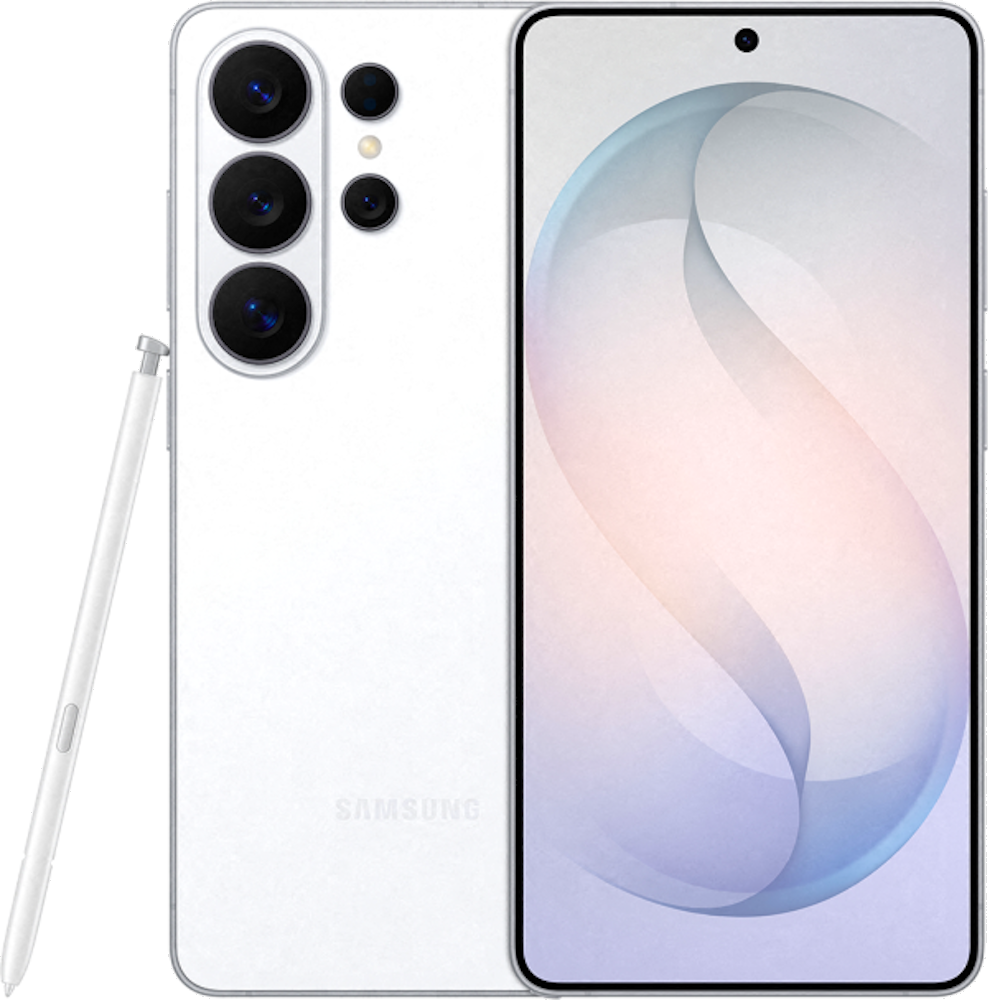
2. Samsung Galaxy S26 Ultra - for staff who would otherwise carry a laptop
The S26 Ultra is the phone for the road warrior who currently lugs a 13-inch laptop to every customer site. Samsung DeX (now in its DeX 2 iteration) projects the phone into a full desktop environment over USB-C or wirelessly to a hotel-room TV. With a Bluetooth keyboard, the same SIM that handles calls also runs Excel, Outlook and Teams against a 32-inch monitor. Add the S Pen for genuine note-taking during site visits, Secure Folder for client data, and Knox Workspace for the corporate container, and a senior surveyor or field engineer can replace a laptop for trips of up to a week. The trade-off is bulk: at 232 grams it is not a phone you forget in your pocket.
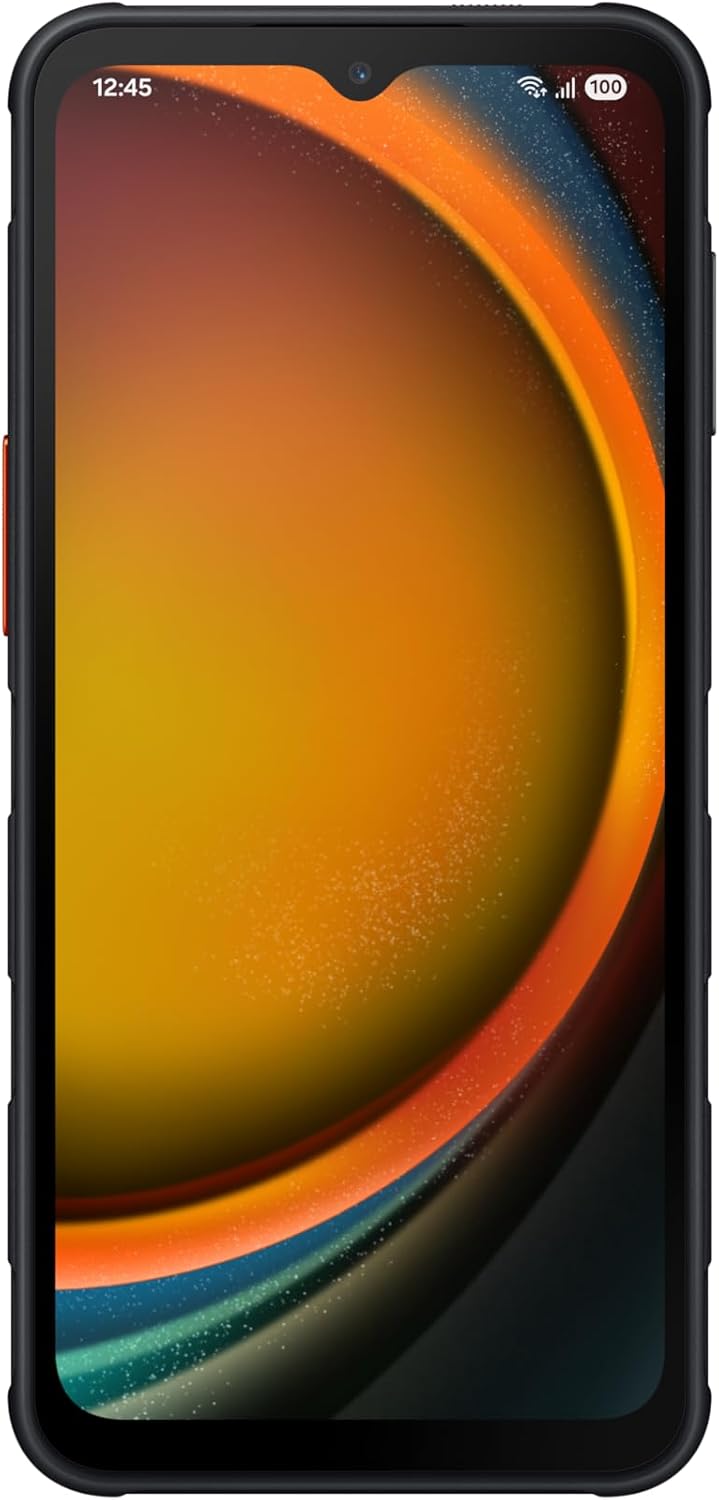
3. Samsung Galaxy XCover7 Pro - the only sensible choice for field work
Construction, logistics, utilities, emergency services, anything where the phone gets dropped on concrete or rinsed under a tap. The XCover7 Pro is IP68 and MIL-STD-810H rated, the touchscreen works through gloves and in the wet, the battery is user-replaceable (a feature flagships have not offered since 2015), and it has a programmable side button that maps to push-to-talk or barcode scanning. Critically, it ships with Samsung Knox and is supported by Knox Mobile Enrollment, so a fleet of 80 XCover7 Pros can be deployed and managed exactly like a fleet of S26s. The compromise is that the camera, processor and screen are mid-range, but that is the wrong measuring stick for a phone that lives in a fluorescent jacket pocket.
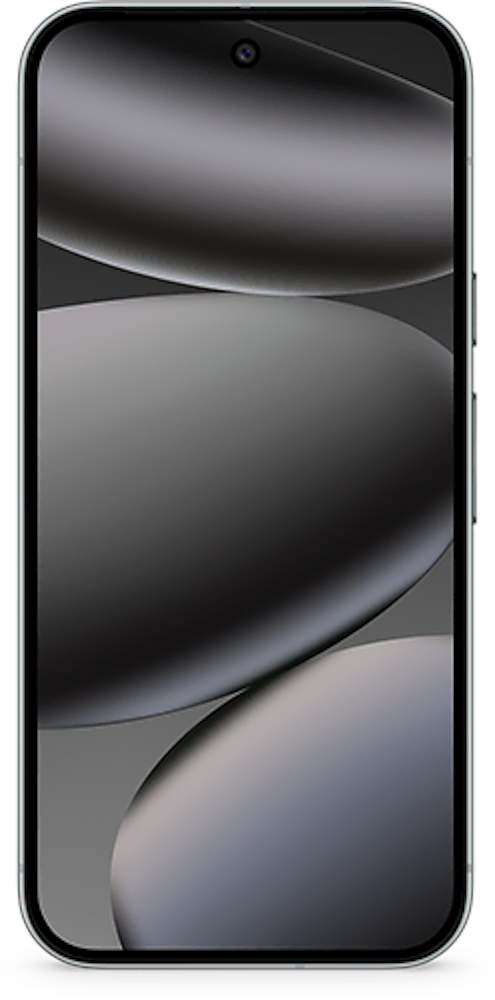
4. Google Pixel 10 Pro - the security-first Android pick
Pixel is the answer when the IT team has standardised on Google Workspace and wants the cleanest Android experience without OEM bloat. Google's Tensor security architecture, monthly Android security bulletins (Pixels get them first), and tight integration with Google Endpoint Verification for Workspace make this the lowest-overhead Android handset for a Workspace-centric SME. Titan M2 in the device gives hardware-backed key storage, and the 7-year update commitment matches Samsung. It is less suitable for organisations that need granular containerisation - Knox is still more capable on that axis - but for a 5 to 30 person Workspace business, the Pixel 10 Pro is the smallest setup overhead of any Android phone on the market.
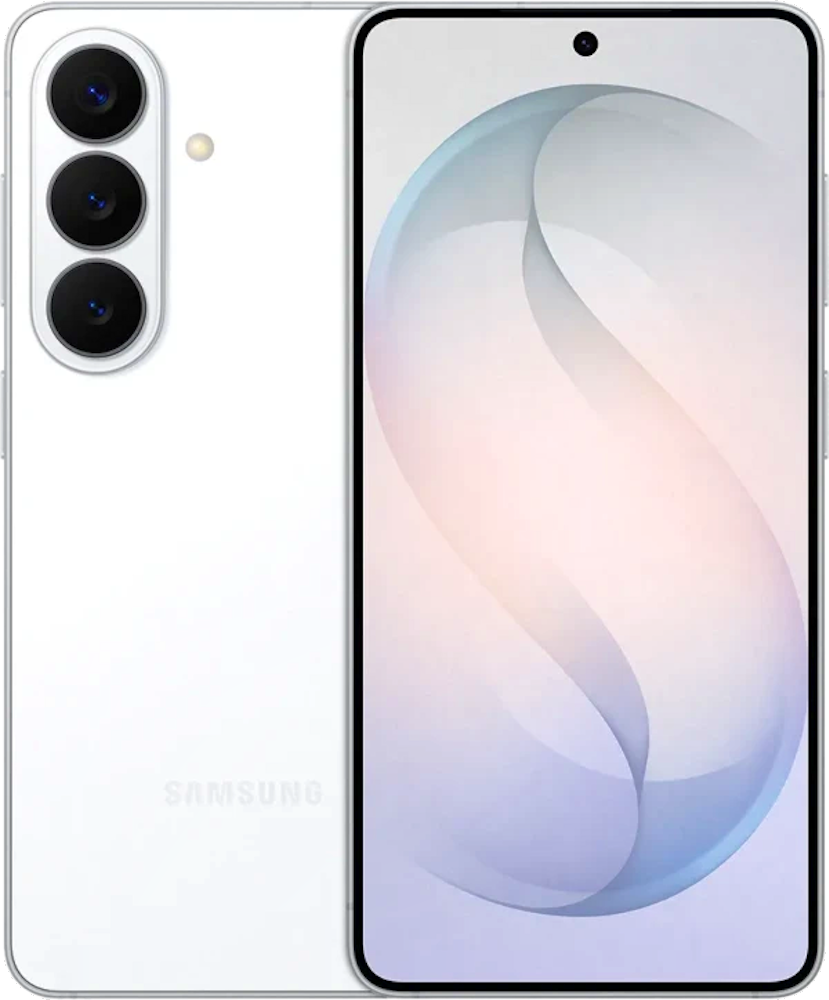
5. Samsung Galaxy S26 (standard) - the volume pick for mixed fleets
The standard S26 is the workhorse for businesses that need to issue 30 to 50 handsets without flagship-Ultra pricing. Same Knox stack as the Ultra, same 7-year support window, same DeX support, just a smaller screen, lighter chassis, and no S Pen. It is the right answer for the bulk of an office staff cohort, with a smaller number of S26 Ultras reserved for travelling or field-mobile users who actually need DeX or the S Pen.
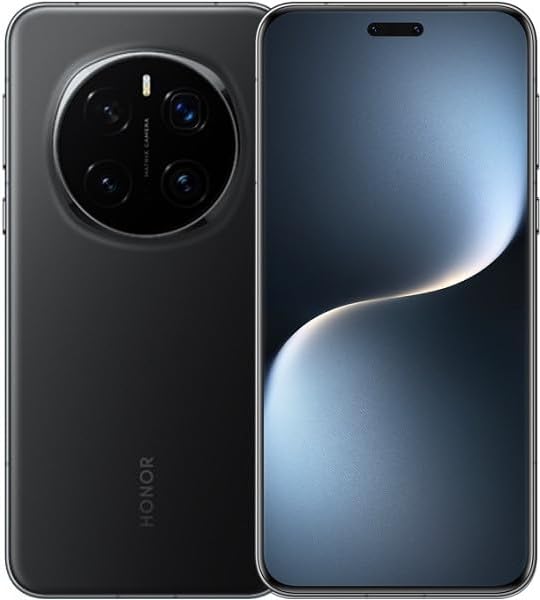
6. Honor Magic 7 Pro - the cheaper flagship with full MDM support
Honor has quietly become a credible business option in the UK with the Magic 7 Pro. It supports Android Enterprise fully (work profile, fully managed device, COPE) and undercuts Samsung S26 pricing by a meaningful margin on most UK retailers. Caveats: Honor's update cadence is good but not Samsung-good (4 years OS, 5 years security on flagships), and the OEM has less of an enterprise track record. It is a strong second-tier pick for businesses that want flagship hardware on a tighter budget, especially for staff who do not need DeX or 7-year support.
UK business mobile networks: how the four big players stack up in 2026
Every major UK network has a separate business division with its own price book, account managers and SLA terms. Per-line pricing is rarely listed publicly above the cheapest tier - most quotes are bespoke once you cross 5 lines - so the figures below are typical 2026 ranges from public price guides and reseller quotes, ex-VAT.
EE Business
EE has the largest UK 5G footprint (roughly 56 percent population coverage in early 2026) and is the network most often specified by enterprise IT departments who treat coverage as the deciding factor. SIM-only business plans start from around 7 pounds per line ex-VAT for 10 GB, with the Smart and Full Works tiers including EE Cyber Security powered by Norton at no extra cost. Multi-line discounts step at 5, 10, 25 and 50 lines. EE business plans also bundle BT Wi-Fi access at 5 million-plus hotspots, which is useful for staff working out of cafes and coworking spaces. Single sole-trader connections are accepted.
Vodafone Business
Vodafone is the strongest pick for pooled data. Business Evolve lets you choose between per-line allowances and a shared data pool that scales from 25 GB up to 5 TB across the fleet - genuinely useful when usage varies wildly between staff. Typical pricing in May 2026: 8 to 11 pounds per line ex-VAT for 10 lines on a SIM-only pooled-data plan, dropping to 7 to 10 pounds per line at 50 lines. Vodafone also publishes a business management portal at 2+ lines with consolidated invoicing, spend caps and per-line usage reporting. International roaming bundles are well-priced for businesses with EU operations.
O2 Business (Virgin Media O2)
O2 Refresh is the differentiator: device payments and airtime are separated into two contracts, so when the device is paid off you can drop to a SIM-only price without renegotiating the airtime. This matters for businesses that want to keep handsets in service longer than 24 months. Plans typically run 8 to 12 pounds per user for 10 GB up to 25 to 35 pounds for unlimited 5G, with the Business Sharer plan handling pooled data. Bundling with Virgin Media business broadband unlocks additional discounts. Contract terms include 1-month rolling, 12-month and 24-month options - more flexible than EE or Vodafone at the entry tier.
Three Business
Three has the cheapest entry point of any major UK network - SIM-only business plans start at around 6 pounds per line - and includes 71-destination Go Roam coverage as standard. The Business Share plan covers pooled data with admin portal access. Three has also stood out in 2026 by offering a number of business tariffs with no mid-contract price rises, which is rare in the UK market and a genuine advantage for budget-planning. The trade-off is coverage: Three's 5G has improved sharply post-merger discussions, but rural geographic coverage still trails EE and Vodafone. For an urban or hybrid-remote business, that gap matters less than the saving.
Across all four, expect annual mid-contract price rises capped at CPI or a fixed pence amount on business plans, rather than the CPI + 3.9 percent that Ofcom forced consumer contracts to move away from on 17 January 2025. Always read the price-rise clause - some legacy business contracts still carry the old uncapped formula.
Security: the four models you should be comparing
Mobile security in a business context is not about whether you have a passcode. It is about what happens when a phone is lost, when a staff member leaves, when a state-level attacker targets an exec, and when personal apps share a device with company email.
Samsung Knox - the most mature enterprise stack
Knox is a hardware-rooted security platform that ships on every Galaxy device. The headline feature is Knox Workspace: a fully encrypted, IT-managed container that separates corporate apps and data from personal usage on the same handset. The container can be wiped without touching the personal side, which is the cleanest BYOD story on the market. Knox Manage (Samsung's MDM) can also manage iOS devices, so a mixed-fleet business can run a single management console. Knox Guard adds anti-fraud protection for financed devices, and Knox Mobile Enrollment handles zero-touch deployment.
Apple's security model - simpler, narrower, deep
Apple does not ship a containerised work profile in the Knox sense. Instead, it uses Managed Apps, Managed Apple Accounts and per-app data separation enforced by the OS. The pieces that matter for a business: Lockdown Mode (a one-toggle hardening for staff at elevated risk - drops attack surface dramatically), Advanced Data Protection for end-to-end encrypted iCloud, Apple Business Manager for zero-touch deployment, and tight MDM integration via Declarative Device Management. The model is less granular than Knox but easier to deploy correctly with minimal IT effort.
Google Endpoint Verification and Android Enterprise
For Workspace-first businesses, Google Endpoint Verification gives you device posture checks (screen lock, disk encryption, OS version) as a condition of accessing Workspace data. Android Enterprise then provides the work profile model, which is conceptually similar to Knox Workspace but available on any Android handset that ships with Google services. Pixel handsets get the cleanest implementation; Samsung gets the most policy options.
BYOD versus corporate-managed: which model
Corporate-managed (fully managed): the business owns the device, IT enrols it, the user gets a single environment with corporate policies applied to the whole phone. Cleanest from a compliance standpoint, most expensive, generally the right model for client-facing staff, regulated industries (financial services, legal, healthcare) and anyone with access to bulk customer data.
BYOD with work profile or container: the user owns the device, the business owns a sealed container on it (Knox Workspace, Android work profile, or managed iOS apps). Lower hardware cost, but the business must be comfortable that everything outside the container is invisible to IT. The right model for sole traders, micro-businesses and lower-risk roles.
Tax and VAT: what you can actually claim
The following applies to UK businesses and is the position as of May 2026. It is general guidance, not advice for a specific business - talk to your accountant for the edge cases.
VAT
If the business is VAT-registered, you reclaim 20 percent VAT on both the handset cost and the monthly airtime, as long as the contract is in the business name and the phone is used wholly or mainly for business. Where there is significant personal use, HMRC expects an honest apportionment - 70 to 90 percent business use is the most common range claimed by sole traders. Keep the original VAT invoice for at least 6 years.
Handset cost
A handset bought outright is plant and machinery for tax purposes. Most businesses claim the full cost in year one under the Annual Investment Allowance, which covers up to 1 million pounds of qualifying equipment per year (well above any realistic handset spend). If the device is on a 24-month contract where the handset cost is bundled into the monthly bill, the monthly cost is simply deducted as a revenue expense each month.
Monthly airtime
Deducted as a revenue expense at the business-use percentage. For a sole trader with a single phone used 80 percent for business, you deduct 80 percent of each monthly bill from taxable profit. A separate business-only handset removes the apportionment question entirely and is usually cleaner for any business doing more than 5 hours a week of phone-based work.
Sole traders specifically
A sole trader can put a phone through the business at an honest business-use percentage. The cleanest setup is either a second, business-only SIM (so the business pays a contract that is wholly business), or a contract in the trading name paid from the business bank account. Avoid claiming 100 percent on a phone that is obviously also used for personal calls and apps - HMRC routinely pushes back on this in compliance checks.
IT integration: MDM, Microsoft 365 and Google Workspace
Most UK businesses with more than 5 staff already run either Microsoft 365 or Google Workspace, and any phone you deploy needs to plug into the same identity, mail and file stack.
- Microsoft 365 with Intune: the standard enterprise pairing. Intune supports iOS, Android Enterprise and Windows 11 from a single console. Apple Business Manager and Knox Mobile Enrollment both integrate cleanly. Outlook, Teams, OneDrive and SharePoint all run as Managed Apps with conditional access.
- Google Workspace with Endpoint Verification or Android Enterprise: Workspace handles the basics natively (device posture, account-level wipe) and integrates with Jamf or Intune for richer iOS management. Pixel and Samsung both work fluently; Workspace is most at home on Android.
- Jamf Pro / Jamf Now: the Apple-specific MDM if the business is iOS-only. More polished than Intune for iOS-only deployments, less useful in mixed fleets.
- Samsung Knox Manage: Samsung's own MDM, manages Samsung, other Android and iOS. Strong for businesses that have standardised on Galaxy and want to keep the management story inside Samsung's ecosystem.
Recommended setups by business type
Sole trader / single director
- Handset: iPhone 17 Pro or Samsung Galaxy S26.
- Plan: any consumer SIM-only plan in the trading name, paid from the business account. EE, Vodafone or Three SIM-only at around 15 to 25 pounds a month covers it.
- Setup: a second, business-only SIM if there is meaningful personal use; otherwise apply an honest business-use percentage.
- Security: standard device passcode, biometric, find-my-device, and a password manager. MDM is overkill at this scale.
Small business, 5 to 20 staff, office-based
- Handset: standard Galaxy S26 or iPhone 17 for the bulk of staff, Galaxy S26 Ultra or iPhone 17 Pro for senior or travelling staff.
- Plan: EE Business or Vodafone Business SIM-only with a pooled data option; expect 8 to 11 pounds per line ex-VAT at this scale.
- Setup: Microsoft 365 Business Premium with Intune, or Google Workspace Business Standard with Endpoint Verification.
- Security: corporate-managed devices for client-facing roles, BYOD with work profile or Knox Workspace for support staff.
Field-based team, 10 to 50 staff
- Handset: Samsung Galaxy XCover7 Pro as standard issue, with a small number of S26 Ultras for supervisors.
- Plan: Three Business or O2 Business pooled-data plan, expect 7 to 10 pounds per line ex-VAT at 50 lines.
- Setup: Samsung Knox Mobile Enrollment with Knox Manage for zero-touch deployment.
- Security: fully managed devices, Knox Guard for theft and loss protection, push-to-talk side-button mapping.
Regulated SME (finance, legal, healthcare), 20 to 100 staff
- Handset: iPhone 17 Pro across the fleet for simplicity; Lockdown Mode toggled on for partners and senior staff handling sensitive case data.
- Plan: EE Business or Vodafone Business with a named account manager and a written SLA.
- Setup: Apple Business Manager with Jamf Pro or Intune; Microsoft 365 E3 / E5 with conditional access.
- Security: Advanced Data Protection enabled for iCloud, FIDO2 hardware keys for staff with admin access, mandatory app-based MFA for everyone else.
Frequently asked questions
What is the best phone for a small business in 2026?
Do I actually need a business mobile plan, or will a personal contract do?
How do business mobile plans differ from personal contracts?
iPhone or Android: which is better for business?
Can I claim VAT on a business mobile phone?
What is the position for sole traders?
Are business mobile contracts cheaper than personal ones?
Do business phone contracts come with insurance?
Next steps
The right phone is only half the answer. Once you have a shortlist, get written quotes from at least two of EE Business, Vodafone Business, O2 Business and Three Business, and ask each one for the per-line price ex-VAT including pooled data, the mid-contract price-rise clause, and the SLA response time for a hardware fault. Those three numbers are where the real difference between business plans hides.
Browse our full handset catalogue to see live deals on every phone in this guide, compare current SIM-only plans if you want airtime only, or read our PAC code guide if you are switching staff numbers across from another network.