



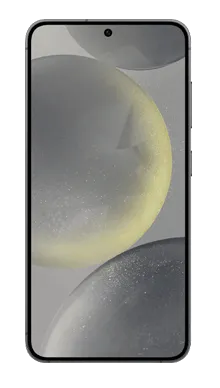



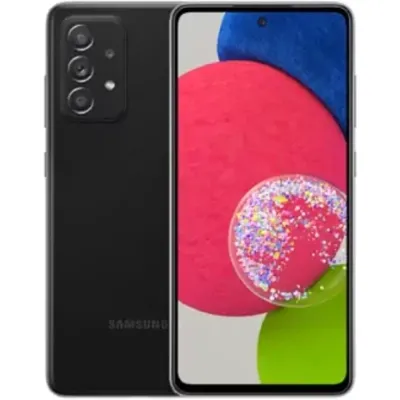
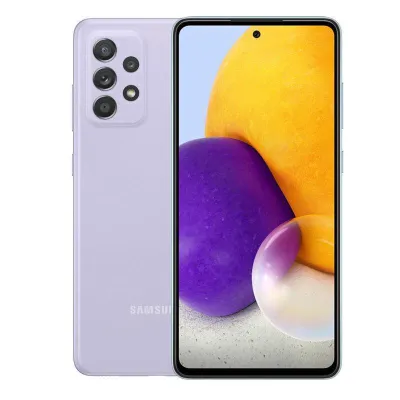
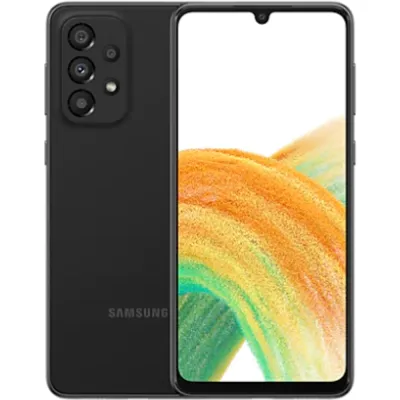

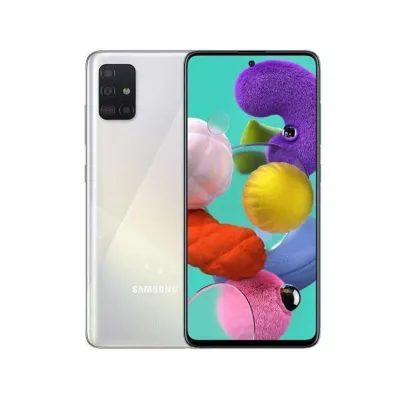
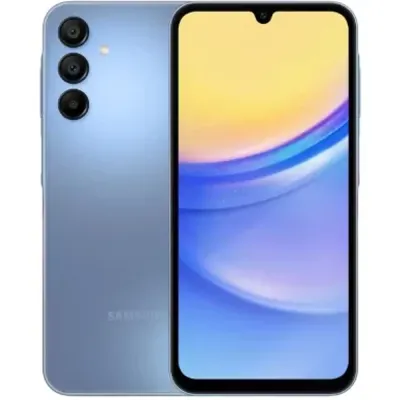


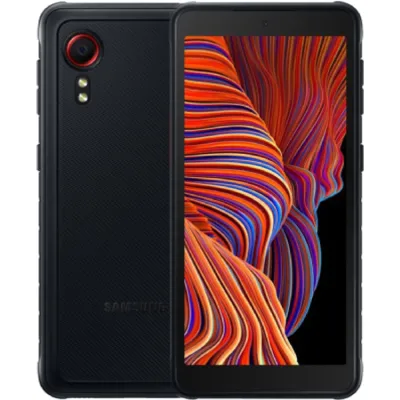
Samsung Pixon (M8800) reviews
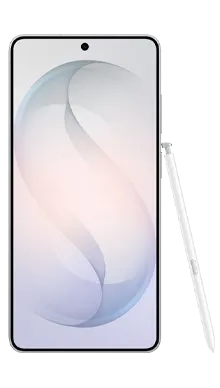
The Clearance Samsung Pixon is a touchscreen phone with an incredible 8.0 Megapixel camera. The Pixon also includes premium camera features such as Autofocus, flash, zoom, an image stabiliser, face detection and impressive video recording capabilities at 120 frames per second. The M8800 Pixon is an HSDPA mobile broadband phone with integrated GPS, an MP3 player and Bluetooth.
| Network | Tariff | Monthly cost | Available gift | Handset cost | EM cost |
Buy from | |
|---|---|---|---|---|---|---|---|
![]() |
O2 iPhone 60 (24 months)
Unlimited Calls + Unlimited SMS + 1024 MB Mobile internet + Unlimited Wi-Fi |
£41 | 21 months of Reduced monthly price £20.50 [value £861] |
|
FREE | £23.06 |
Buy now
|
13 reviews
-
Geethesh
2011 September 21, 09:33 -
dam2p
2011 August 30, 20:34 -
Sunil
2010 October 18, 14:56 -
Beck
2010 January 11, 21:44Skype on Pixon M8800 - Easy, ... just install the mobile skype designed for the samsung SGH-G600 - it works ok but I've yet to work the video camera at the same time.
Go to skype.com/m and enter your mobile number and let it text you a link, then just select G600 phone insted of M8800. -
AKS
2009 October 25, 06:42 -
Mia
2009 August 29, 16:55 -
Nitin
2009 August 20, 16:00Hi I have finally managed to install skype lite on my pixon.
who said you cant install games ???
I have downloaded so many of them..
The only thing now i need to find out is how to use skype for free.
As the skype lite version will charge me when i make a call... though the call rates will be equal to the local call rates.
if any one knows how to get it for free let me know -
Pixon owner
2009 July 01, 11:27Hi, Michael. Perhaps I can help you.
First of all, download and install TKFileExplorer. Install the USB driver you got with your phone.
Second, open TKFileExplorer and go to Settings then choose COM. On port,
click the drop down menu and choose the only port that is visible (something like port 5/port 6).
You must not be connected in pc studio program. Now click on file and connect.
Then on the bottom half of TKFileExplorer, browse through these folders Exe/Java/Games.
Now that you are in games, create a new folder. Name it after what you are going to install. Now you will need to place the .jar & .jad files of the program you
will be installing.On the top half of TKFileExplorer, browse through to where you saved the application files (.jar/.jad) and select them both.
Now right click and choose ‘Download’. All done for this part.
And the last thing, open up your dial pad and enter the following, *#6984125*#.
Choose INTERNALS and enter the following, *#9072641*#.
Now scroll down and choose Storage Settings. Then update Java DB, followed by update apps database.
Now you are finished. Go to Menu - Applications /Apps & Games. Your newly installed app should be visible!!! -
Michael
2009 June 30, 02:41 -
Jamie
2009 June 17, 13:53 -
Maya
2009 June 17, 13:32 -
Johny
2009 June 17, 13:18 -
crazy
2009 June 15, 19:00


